Your kid will grow up with AI. Make sure they lead it.
A structured online program where kids learn to use AI safely, think critically, and actually build things – websites, games, study tools and real projects – instead of just chatting with a bot.
{intro} for the first month, then your plan price. Cancel anytime. Parent dashboard included.
update(). Want to check the line together so you understand why it works?Kids are already using AI. Nobody is teaching them how.
Schools are years behind. Most "AI for kids" content is either a coding class with AI sprinkled on top, or a chatbot that does the homework for them. Parents told us what they actually worry about:
Open chatbots aren't built for kids: no filters tuned for age, no visibility for parents, and data going who-knows-where.
Copy-paste AI answers is the default. Kids need to learn to direct AI, verify it, and improve on it.
Tools change every month. What lasts: knowing how to break a problem down, brief a system, judge the result, and ship.
Five things every kid should be able to do with AI
Built on the CSTA K-12 AI learning priorities and Common Sense Media's AI literacy framework – then turned into hands-on projects kids actually want to make.
Stay safe & think critically
The foundation, before anything else.
- What AI is (and isn't)
- Hallucinations, bias & fact-checking
- Privacy, deepfakes, "never share"
- School rules & honest use
Prompt like a pro
Give clear instructions, iterate, get better results.
- Role, context, task, format
- Examples & step-by-step
- Talking to AI in your language
- Judging good vs. bad output
Build websites & games
Describe an idea, build it with AI, publish it.
- Your own website, live on the web
- Browser games & interactive stories
- Reading & fixing the code AI writes
- Apps that solve a real problem
Learn smarter
Use AI to understand school – not to skip it.
- Turn a chapter into a mind map
- Make flashcards & quizzes
- "Explain it like I'm 10"
- Visualize math & science
Run real projects
From idea to launch, with AI as a teammate.
- Plan, break down, schedule
- AI agents & automations
- Research, present, pitch
- Portfolio for school & beyond
Same five skills, matched to your child's age
Each track is 12 weeks. Kids can start at any level and move up when they're ready – the placement lesson decides, not the birthday.

Playful first contact. Visual tools, short 20-minute sessions, lots of making.
- Safety rules as a game: "Trust it? Check it!"
- First website: "All about me / my pet / my team"
- Scratch game with an AI helper
- Story illustrated with AI art, read to the family

Real code, real web. Vibe-coding with understanding: AI writes, the kid reads, tests and fixes.
- Fact-check challenge: catch the AI hallucination
- Browser game in HTML/JS, published on their own subdomain
- Study kit: mind maps, flashcards, quiz generator for a real subject
- Team project with a plan, roles and a demo day

Portfolio-grade work. Agents, automations, and projects that look good on a university or first-job application.
- Bias & ethics lab: audit a real AI system
- Full web app with a database and AI feature
- Personal AI agent that automates a weekly chore
- Capstone: launch, pitch, and public portfolio page
Short, structured, and it always ends with something to show
15-min lesson
One concept, one safety habit, explained with videos and interactive checks. Self-paced, any device.
Guided project
Kids work in the built-in AI workspace with an AI tutor that asks questions instead of giving away answers.
Publish it
Every project goes live on the kid's own page. Friends and grandparents get a link. Pride is a great motivator.
Live small group
Weekly 45-min session in your time zone, max 6 kids, with a vetted mentor. Show & tell, feedback, next challenge.
Not just lessons – a place where your kid's work lives
Most platforms end at the certificate. Ours includes the tools and the hosting, so what your child builds stays online and keeps growing.
All lessons, projects, and materials. Move up a track anytime.
Chat, code, image and study tools with age-tuned guardrails, no ads, no data sold.
Every site, game and app published on name.aikids.space. Stays online as long as you subscribe.
Personal hero character; books, card decks, games and cartoons starring them. Print-on-demand ordering and a community showcase.
What they learned, what they built, what they asked the AI.
Weekly small group, monthly demo day, moderated kid community.
mia.aikids.space
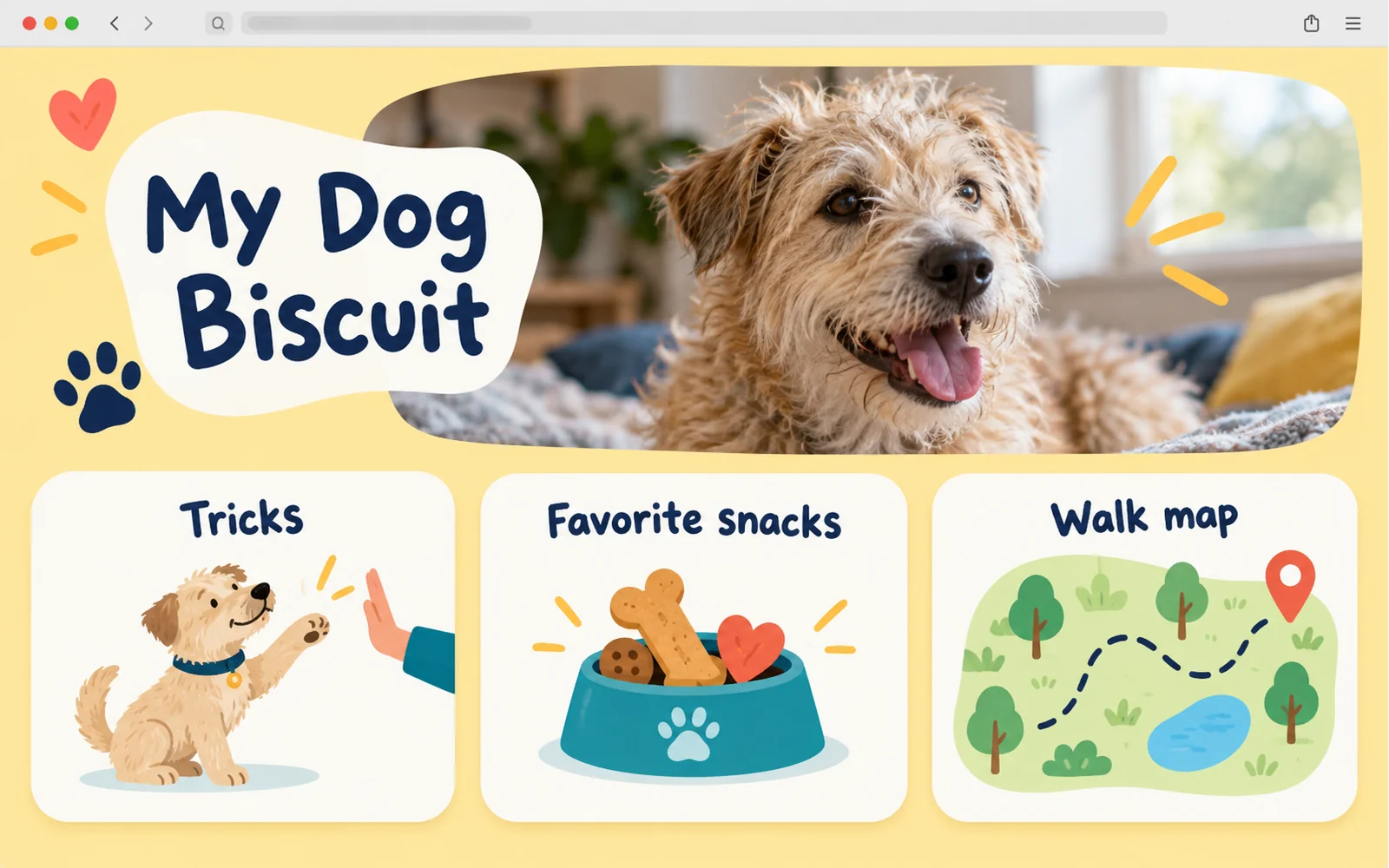
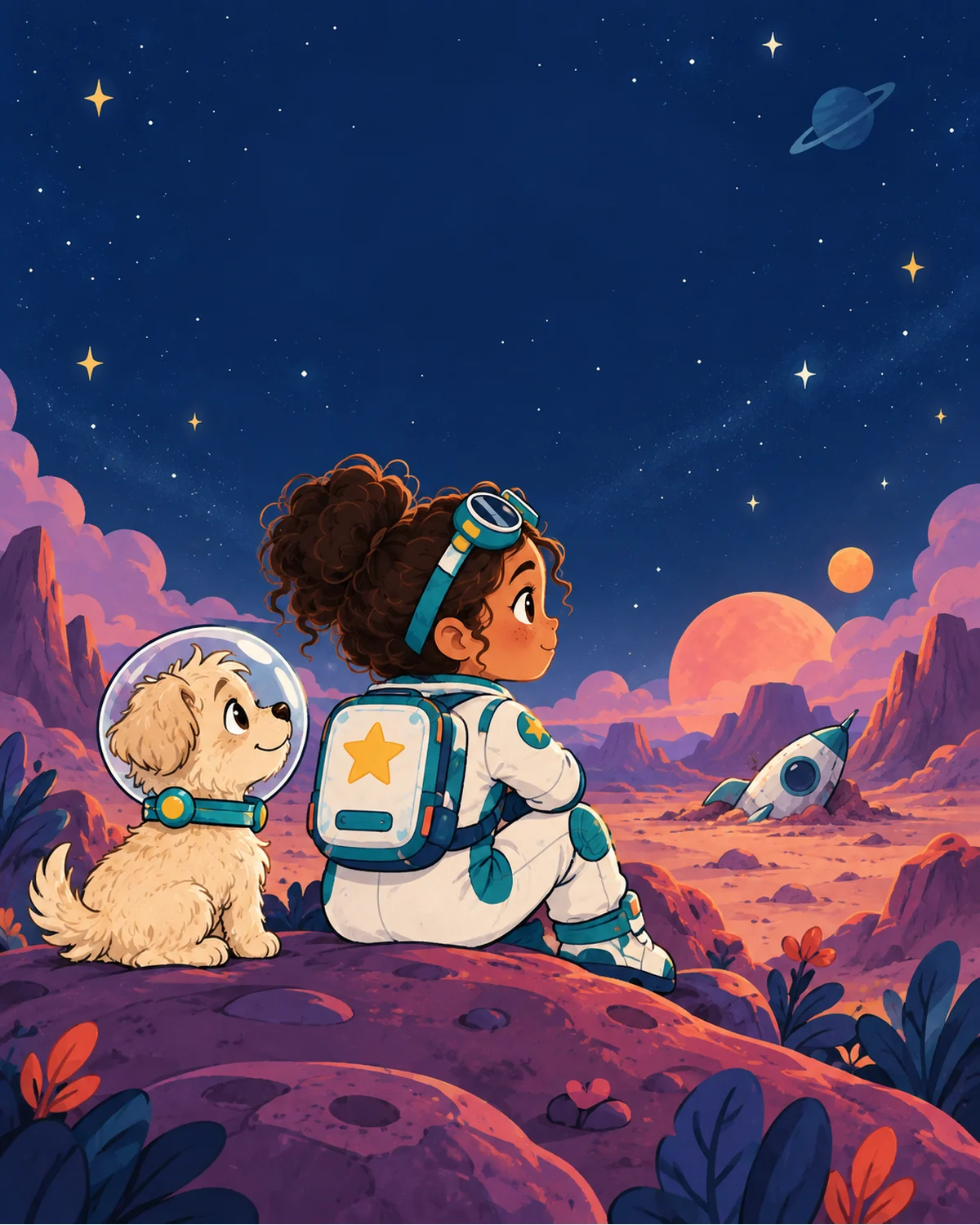
Things they can hold, gift and show off – starring themselves
During the course your child creates a personal hero character. Every big project can become a real object or a shareable piece the whole family can enjoy – and other kids on the platform can see it in the showcase.
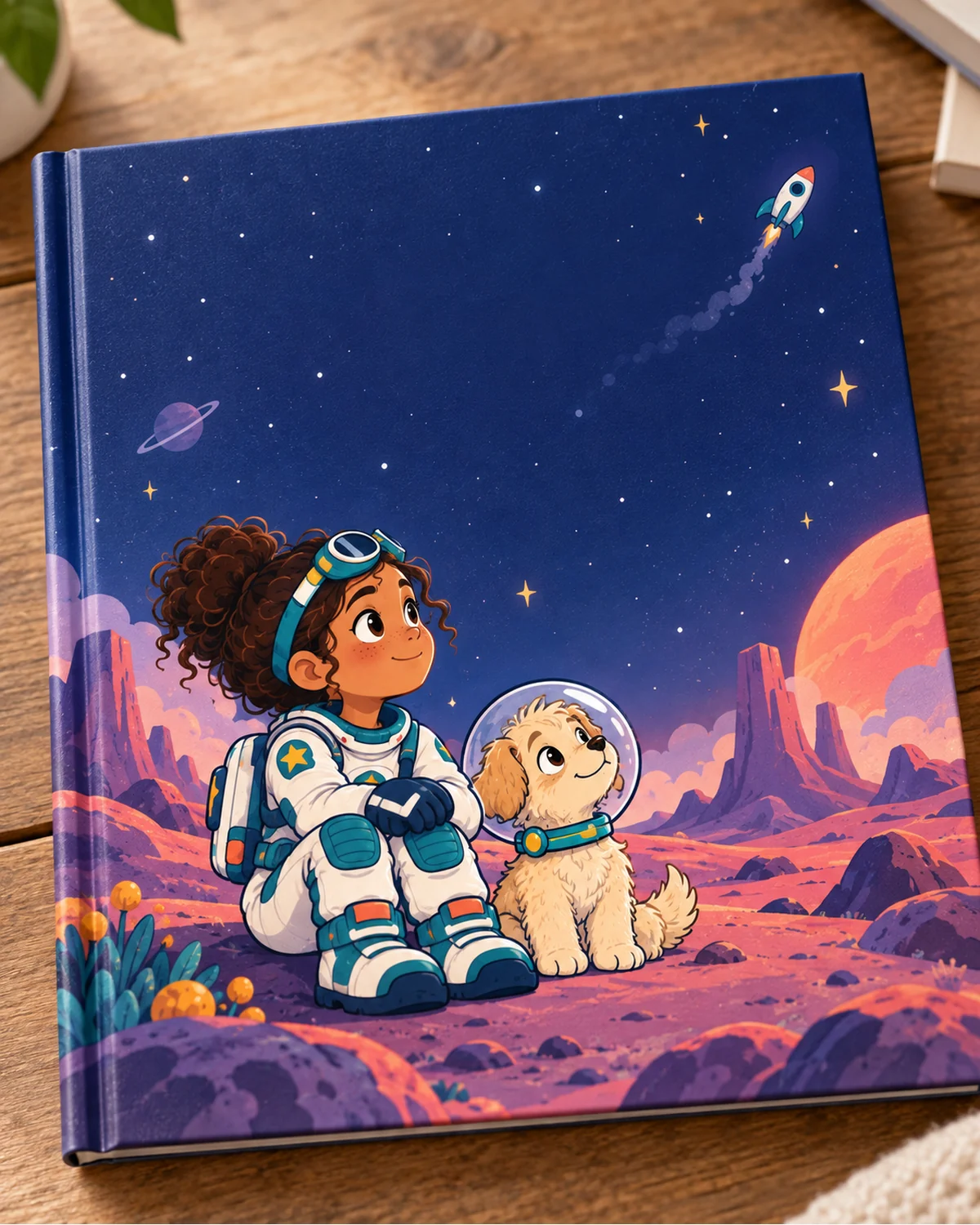
A printed book with them as the hero
Kids write the story with an AI co-author, illustrate it with their character, and we print a real hardcover you can order home.
Explorers · from week 4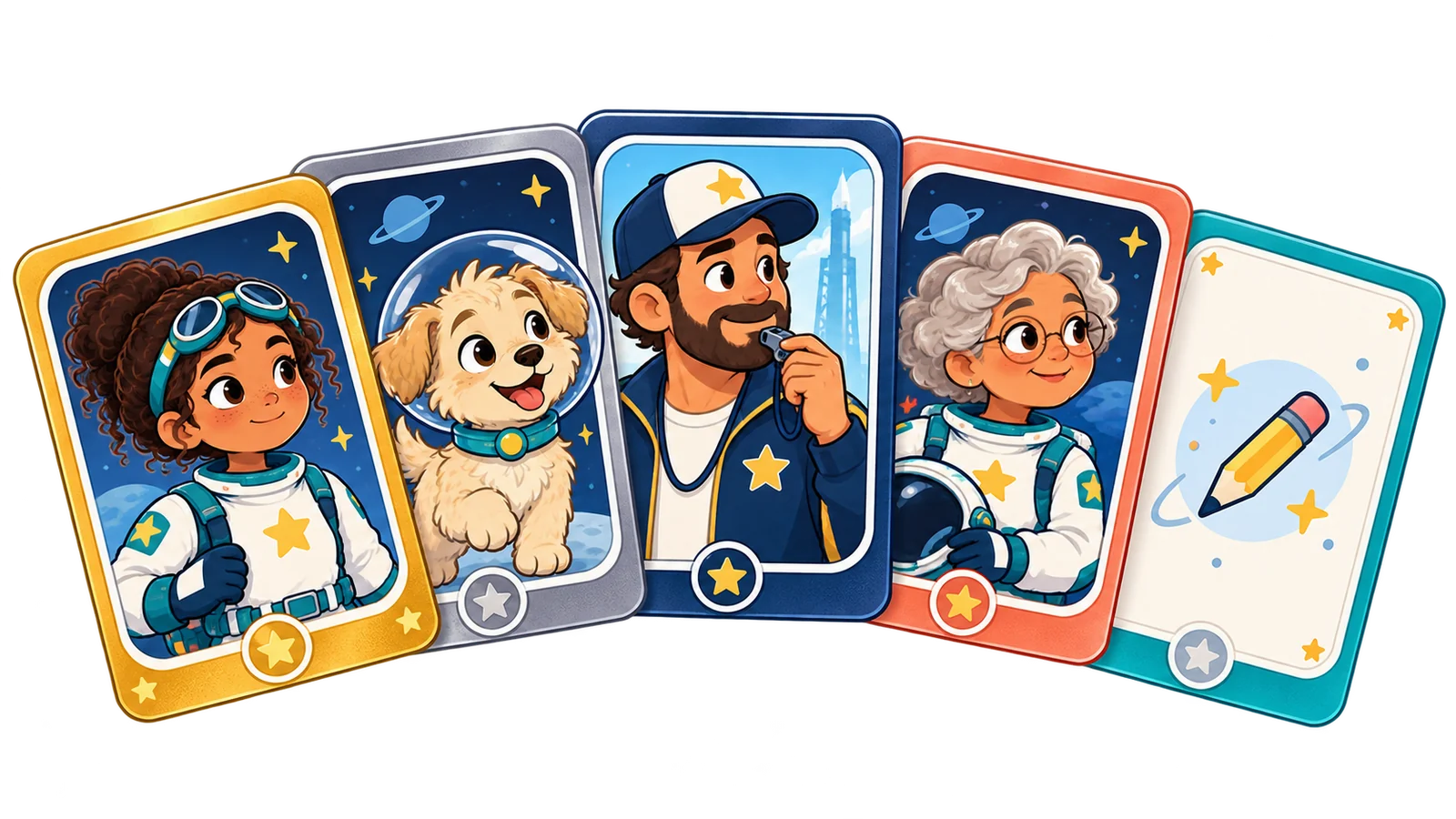
A collectible card set – with their own card
Like the trading cards already in their backpack: stats, rarity, artwork. They design the rules, AI helps with balance and art. Printed as a physical deck to trade with friends.
Explorers & Builders
A game with their character inside
Their hero becomes the playable character in the game they build. Published on their page – grandparents can play it on a phone.
Builders & Creators
A short animated film
Script, storyboard, voices and animation with AI tools – a 1–2 minute cartoon starring their character, ready for family movie night or the class.
Builders & CreatorsShare it, gift it, order it
Everything lives in the child's portfolio. Physical items are printed on demand and shipped to you; digital ones get a share link and a spot in the community showcase.
- Community showcase: other kids on the platform can see, play and like the work (moderated, first names only)
- Print on demand: book, card deck, poster, sticker sheet – ordered from the parent dashboard
- Share link for family & friends – no account needed to view

Built for kids from the ground up, not adapted from adult tools

Our AI workspace filters topics and tone by track. No open internet chatbots.
Parent-verified accounts, minimal data, nothing sold or used to train models.
You can see every AI conversation and every project. Weekly digest by email.
Background-checked, trained in child safety, sessions recorded and reviewable.
You don't need to be an AI expert to keep up
Each week you get a short parent brief: what your kid learned, one conversation starter for the dinner table, and one thing to try together.
Less than one hour of private tutoring per month
Every plan starts with a {intro} first month – full access, no limits. Then the regular price. The only difference between plans is how many kids and how much live time.
Explorer Solo
- Full track + materials
- Kid-safe AI workspace
- Hosting & portfolio
- Parent dashboard
- Monthly demo day (group)
Builder Live
- Everything in Solo
- Weekly 45-min live session (max 6 kids)
- Mentor feedback on every project
- 1 print credit / month (book or card deck)
- Priority support for parents
- Certificate & portfolio review
Family
- Everything in Builder Live
- Separate tracks per child
- Shared family portfolio
- Print credits for each child
- Quarterly parent-mentor call
- Sibling projects & challenges
Prices shown for: {market} ({cur}). First month – {intro}.
Prices include VAT/sales tax where applicable. Annual plans are billed once a year; monthly plans renew every 30 days.
What you get elsewhere – and what's missing
| Free AI lessons (Code.org, Khan) | Coding subscriptions | 1:1 tutoring | AI for Kids | |
|---|---|---|---|---|
| AI safety & critical thinking curriculum | Partial | – | Depends on tutor | Core, Module 1 |
| Kids build with AI (sites, games, apps) | – | Partial | ✓ | ✓ |
| Kid-safe AI workspace included | – | – | – | ✓ |
| Hosting & public portfolio | – | Rare | – | ✓ |
| Parent visibility & weekly report | – | Progress only | ✓ | ✓ |
| Physical products (books, card decks) & showcase | – | – | – | ✓ |
| Typical price per month | $0 | $20–29 | $249–299 |
Questions parents ask
Does my child need coding experience?
No. Explorers and Builders start from zero. Kids who already code will move faster through the build modules and spend more time on projects.
Isn't AI just going to do the work for them?
That's exactly the habit we break. Our AI tutor is configured to ask, hint and explain – not to hand over finished answers. Every project has a "show you understand it" step before it can be published.
Which AI tools do kids use?
Inside our workspace: chat, coding assistant, image and study tools built on leading models with kid-specific guardrails. Older Creators also learn the real-world tools they'll meet in college and work, with parent consent.
How much time per week?
About 2 hours: a short lesson, a project session, and the optional live group. Explorers do less, Creators often do more because they want to.
How does the {intro} first month work?
You subscribe to a plan and pay {intro} for the first 30 days with full access. After that the regular monthly (or annual) price applies. Cancel anytime from the parent dashboard before renewal – no questions asked.
What happens to their projects if we cancel?
You can export everything at any time. Hosted pages stay live for 30 days after cancellation, then go offline – the files stay yours.
Does it fit with school?
Yes – the "Learn smarter" module uses your child's real homework and teaches honest, school-compliant use. We cover how to talk about AI with teachers.
Try the whole first month for {intro}. See what your kid builds.
Placement lesson, first projects, live sessions and a parent report – the full subscription for {intro} in month one. Cancel anytime before renewal and you pay nothing more.
- Create your account
- Tell us about your child
- Reserve the first month for {intro}